
Every drive. Every charge. Anytime.
Ludic Pulse brings your Tesla’s status, charging costs and driving history together on iPhone.
Join the private betaScreens show sample and demo data. Available readings and controls depend on your vehicle, connection and history.
Car
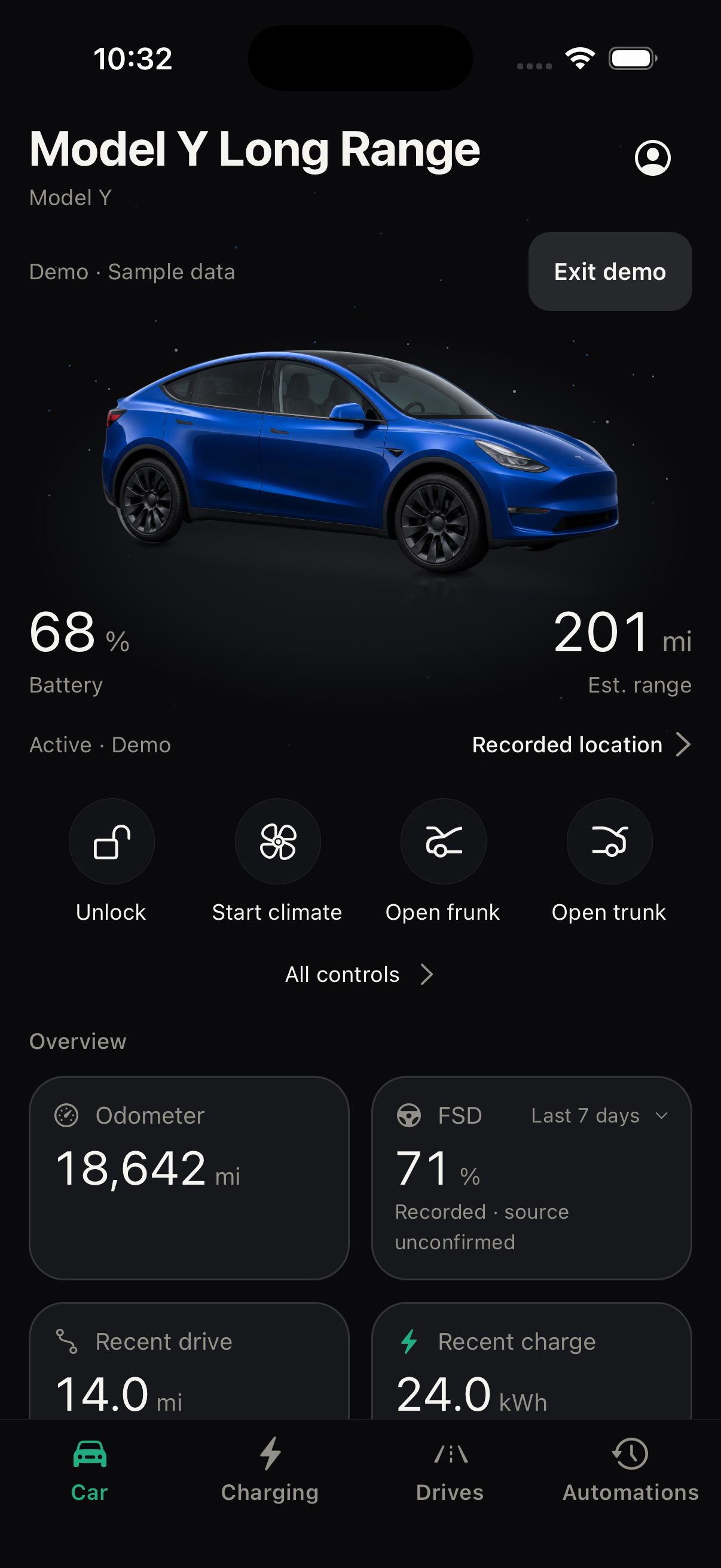
Your car, in the moment.
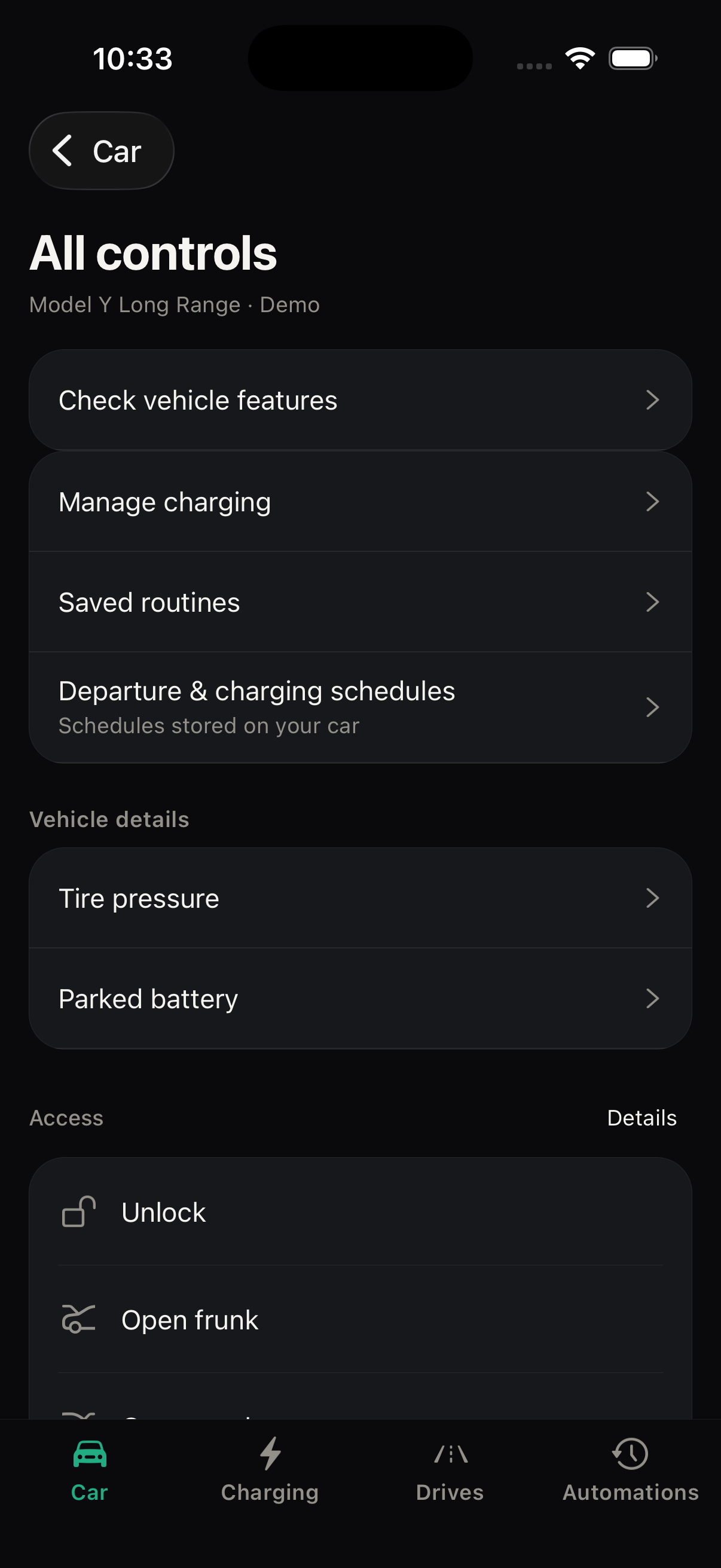
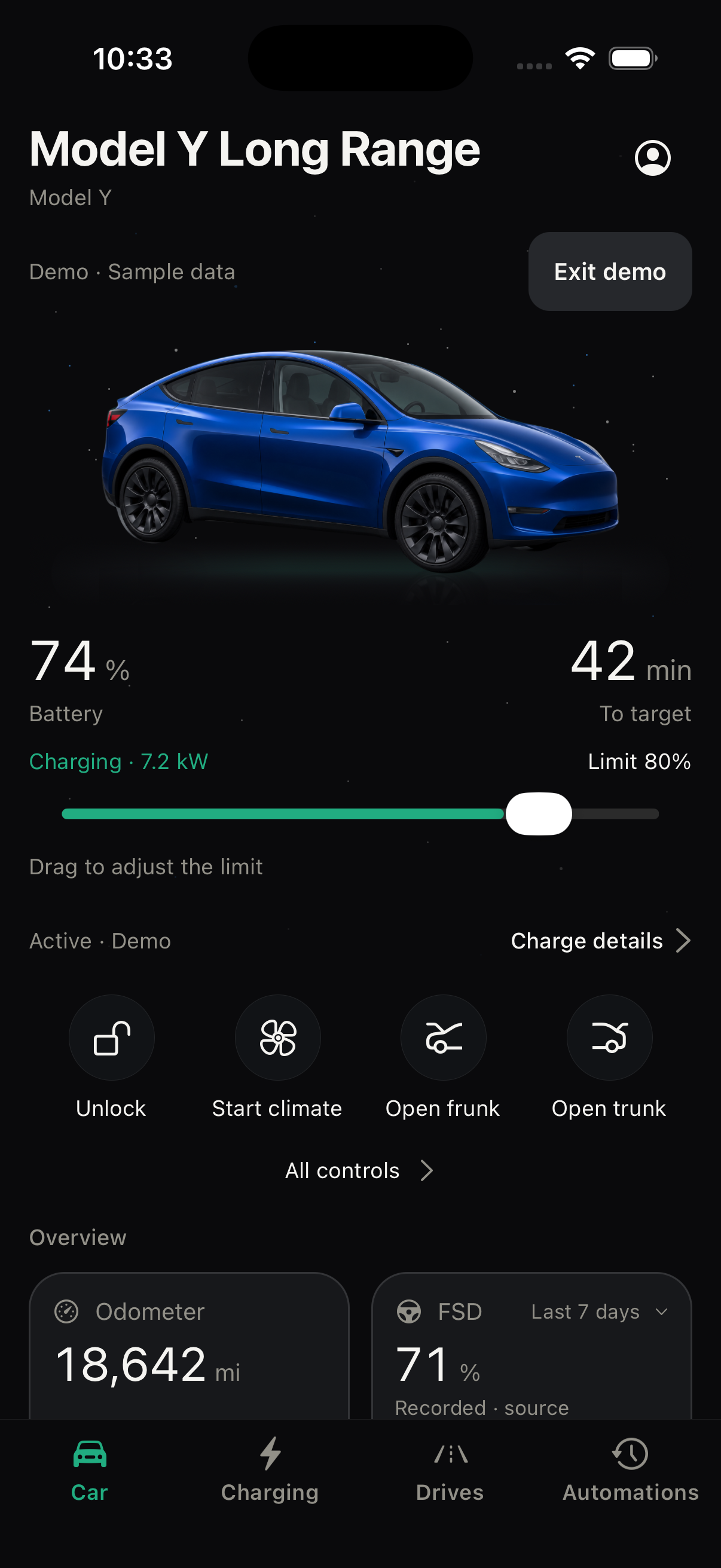
Start with battery, estimated range and vehicle status. Open supported controls, charging progress or your active destination from one place.
- Status you can trust
- Current readings and last-known values are labelled separately. Controls explain when setup or fresher readings are needed; an accepted request is distinct from a confirmed physical change.
- Follow your arrival
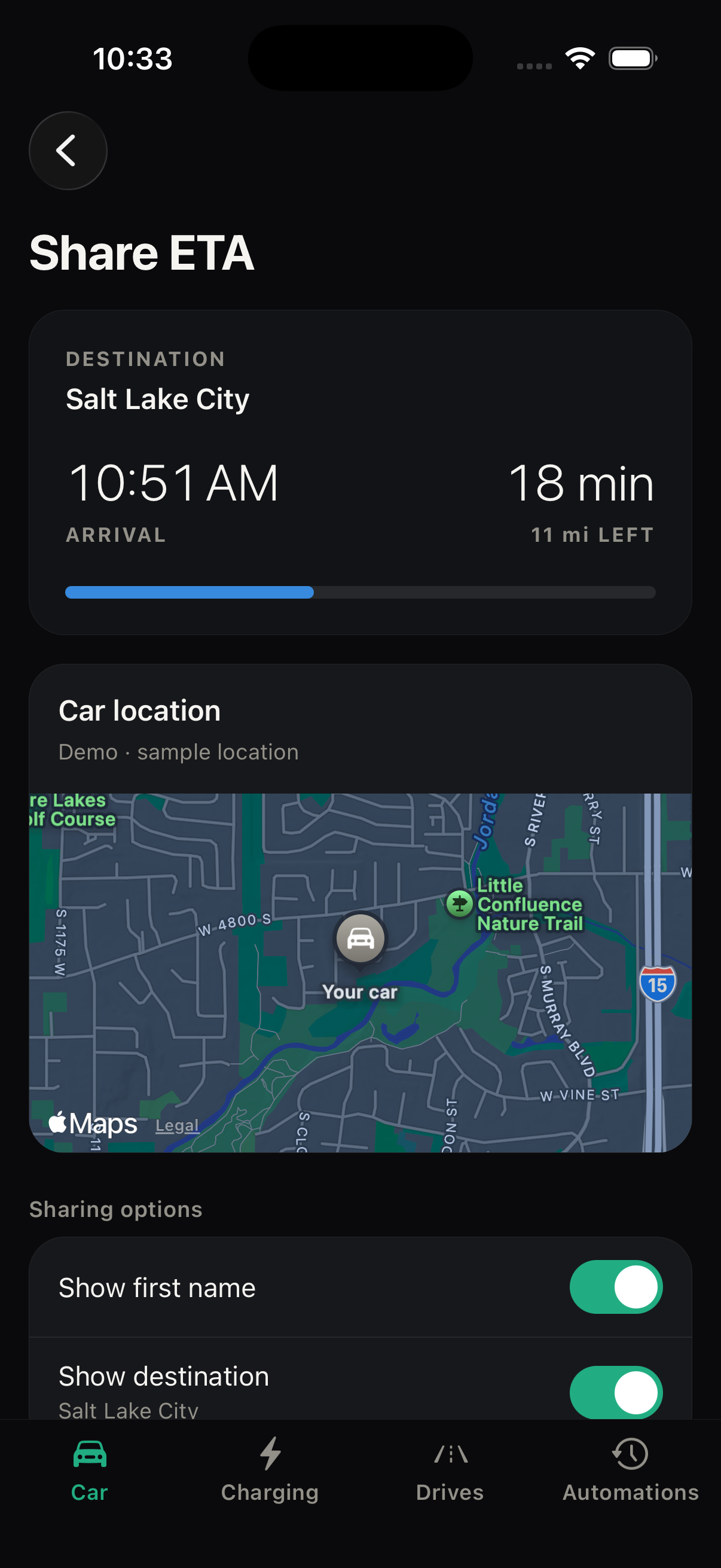
- Shared ETA combines arrival time, remaining distance and an updating car-location map. Old locations stay labelled as last known.
- Choose what you share
- Choose whether to show your first name and destination. Anyone with the link can view your live location, without an app or sign-in. Sharing ends at arrival, when navigation ends or changes destination, when you stop it, or after four hours.
Charging
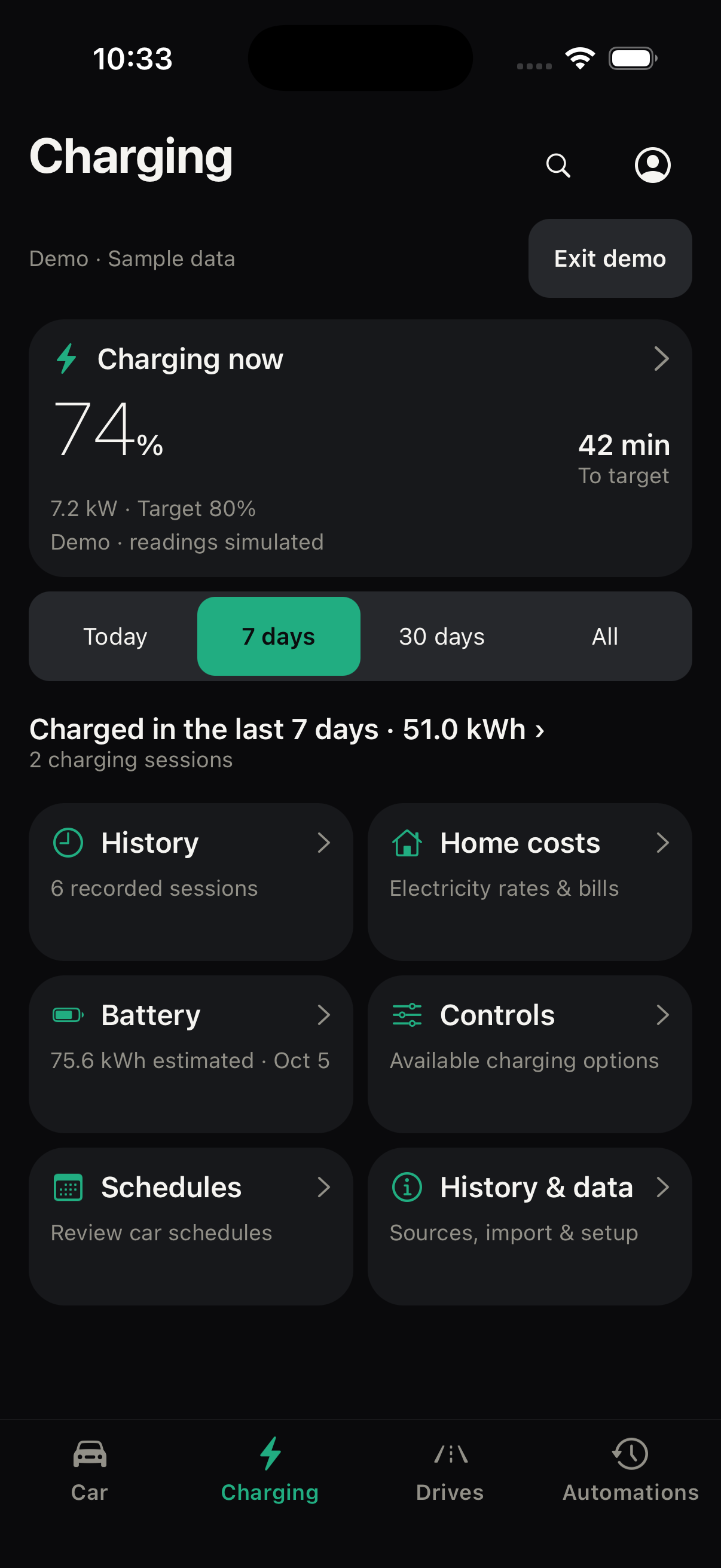
Know what went into every charge.
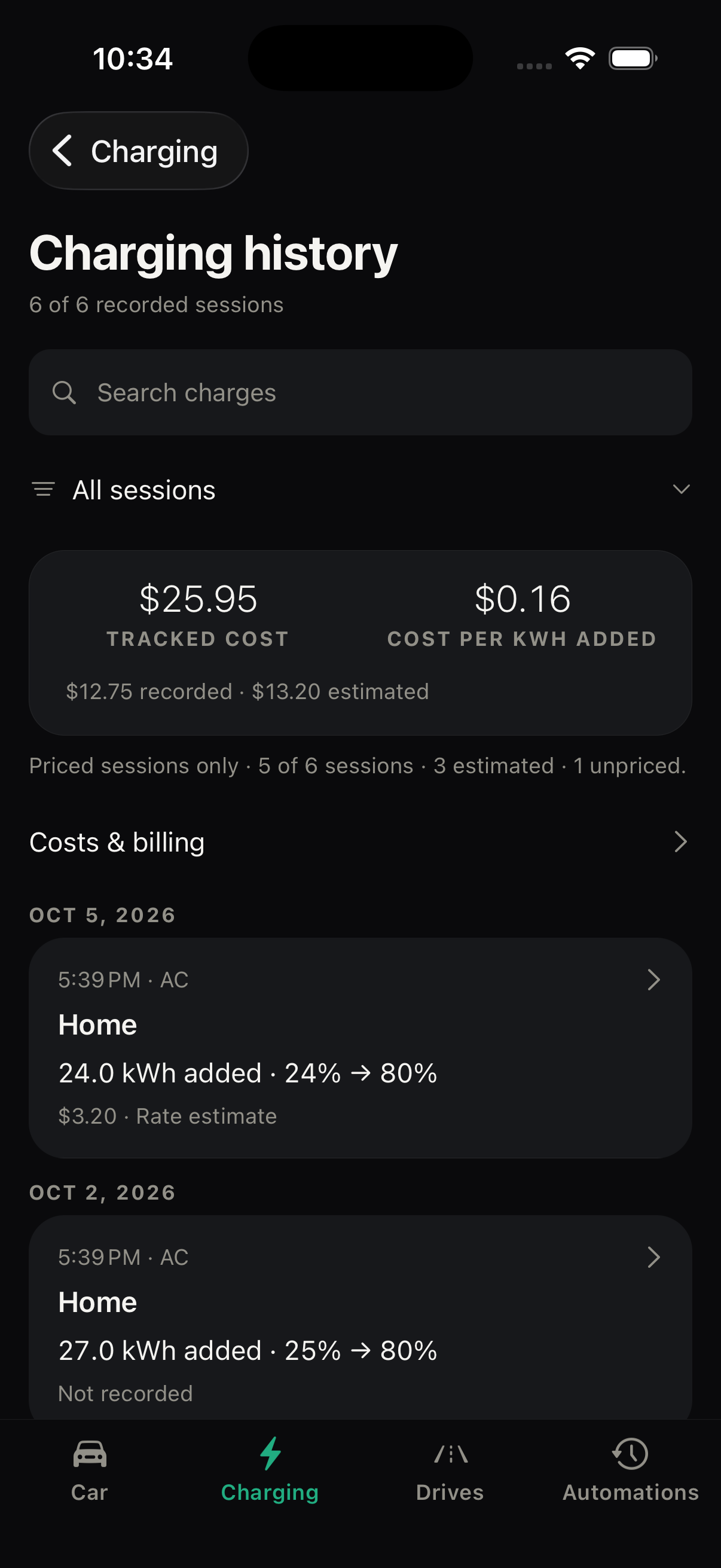
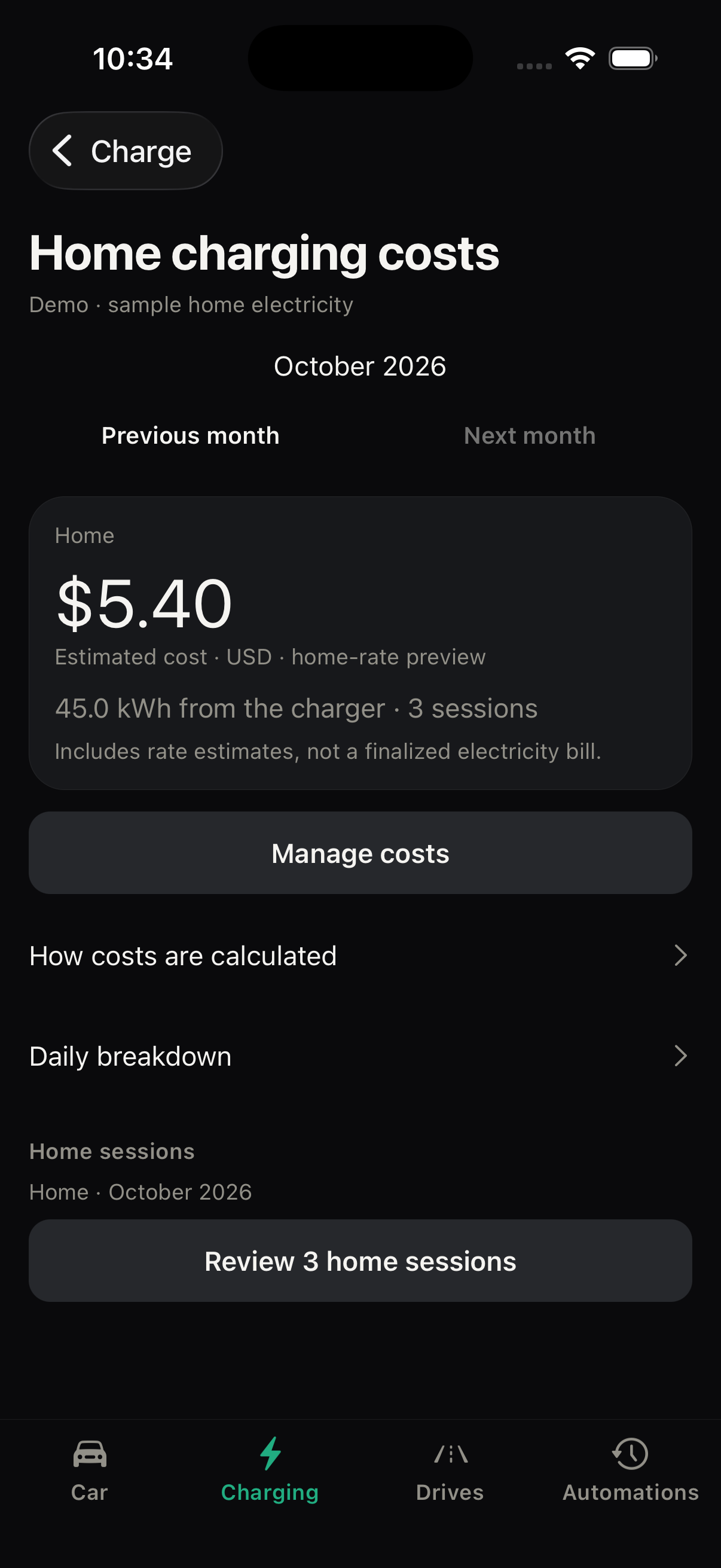
Move from your charging overview to individual sessions, home rates and battery estimates. See which costs are recorded and where estimates begin.
- From totals to sessions
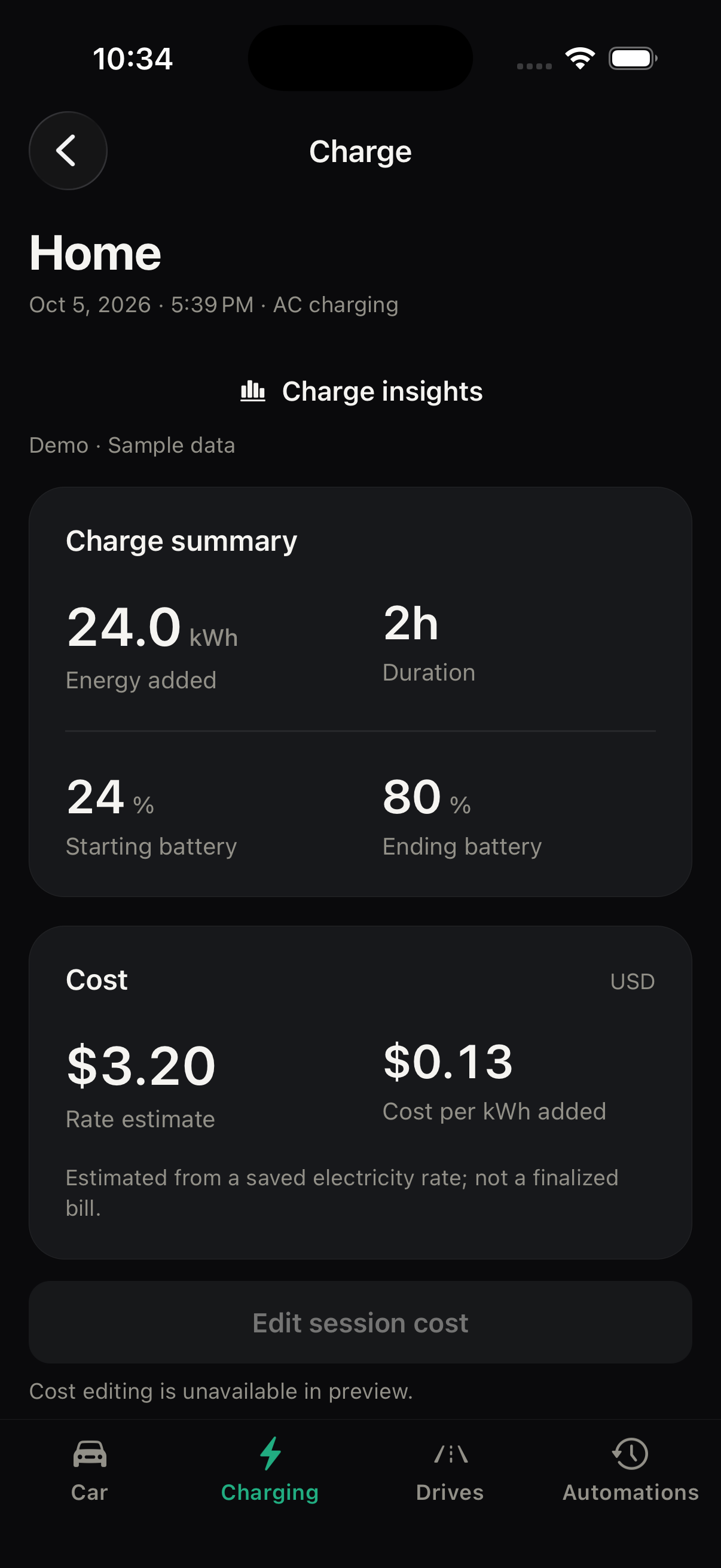
- Choose a period, search your history and open a session for energy added, duration, battery levels and available power readings.
- Costs with their source
- Tesla bills, entered amounts and estimates retain their labels. Unknown prices stay unknown. Review dated home electricity rates or a scanned bill before applying an estimate.
- Progress beyond the app
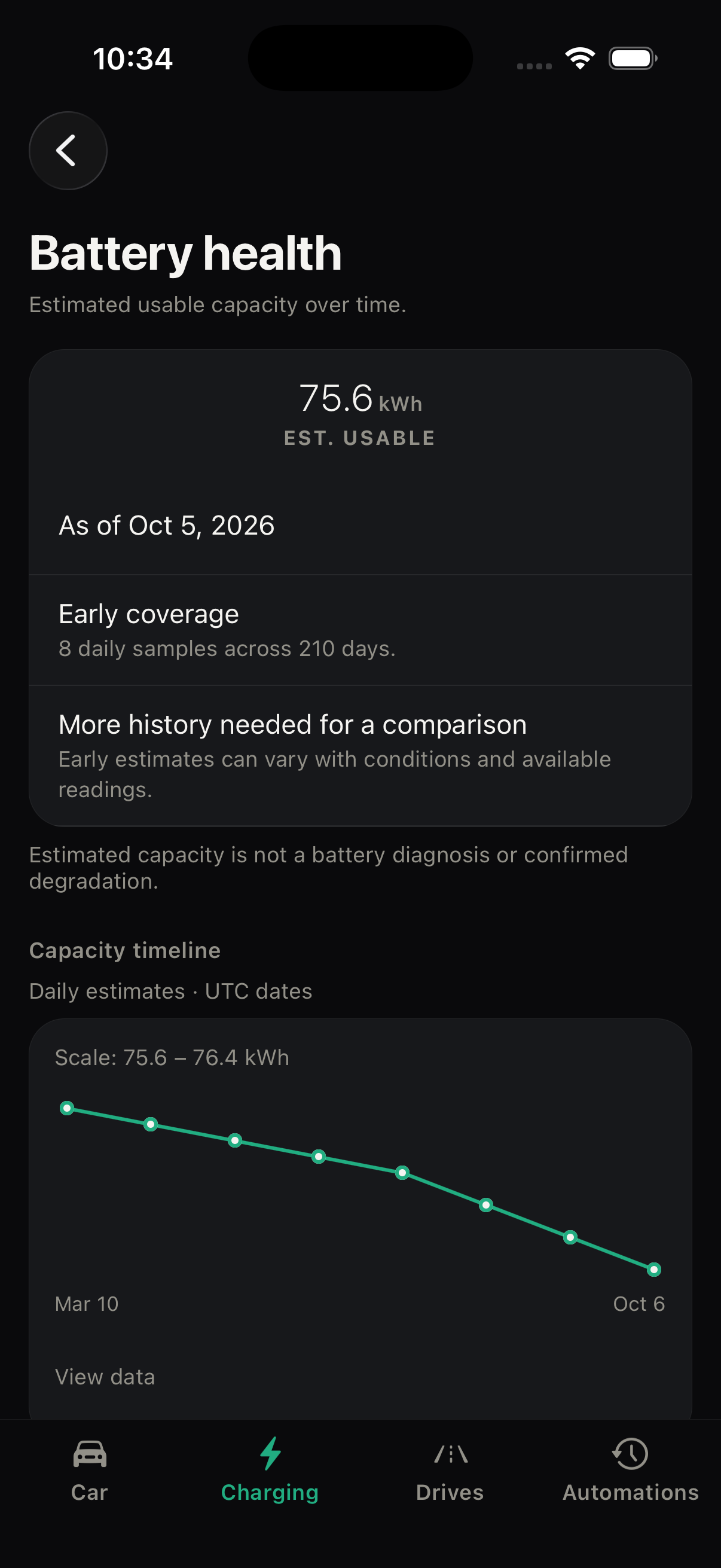
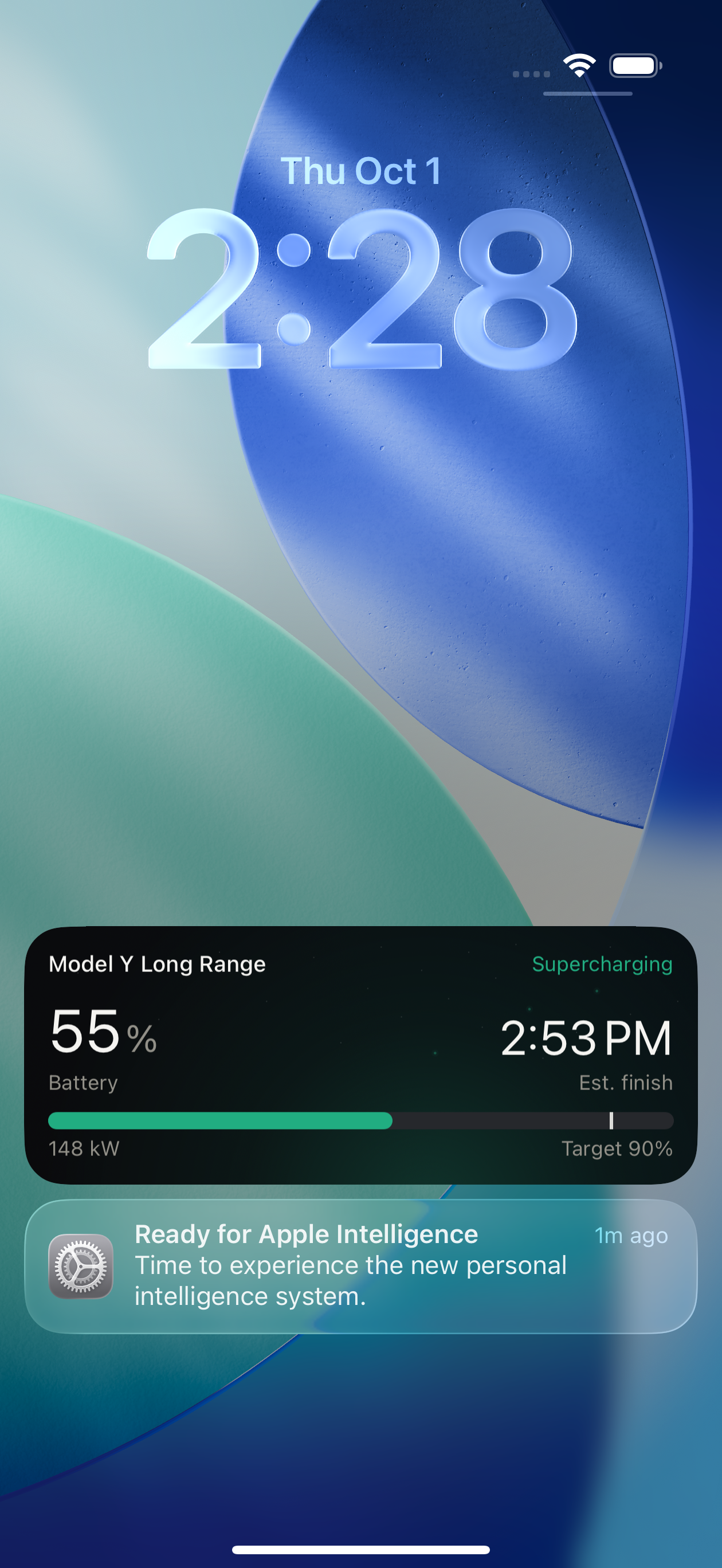
- Charging Live Activities show progress on the Lock Screen. Battery views explain estimated capacity and the readings behind it.
Drives
Make sense of the miles.
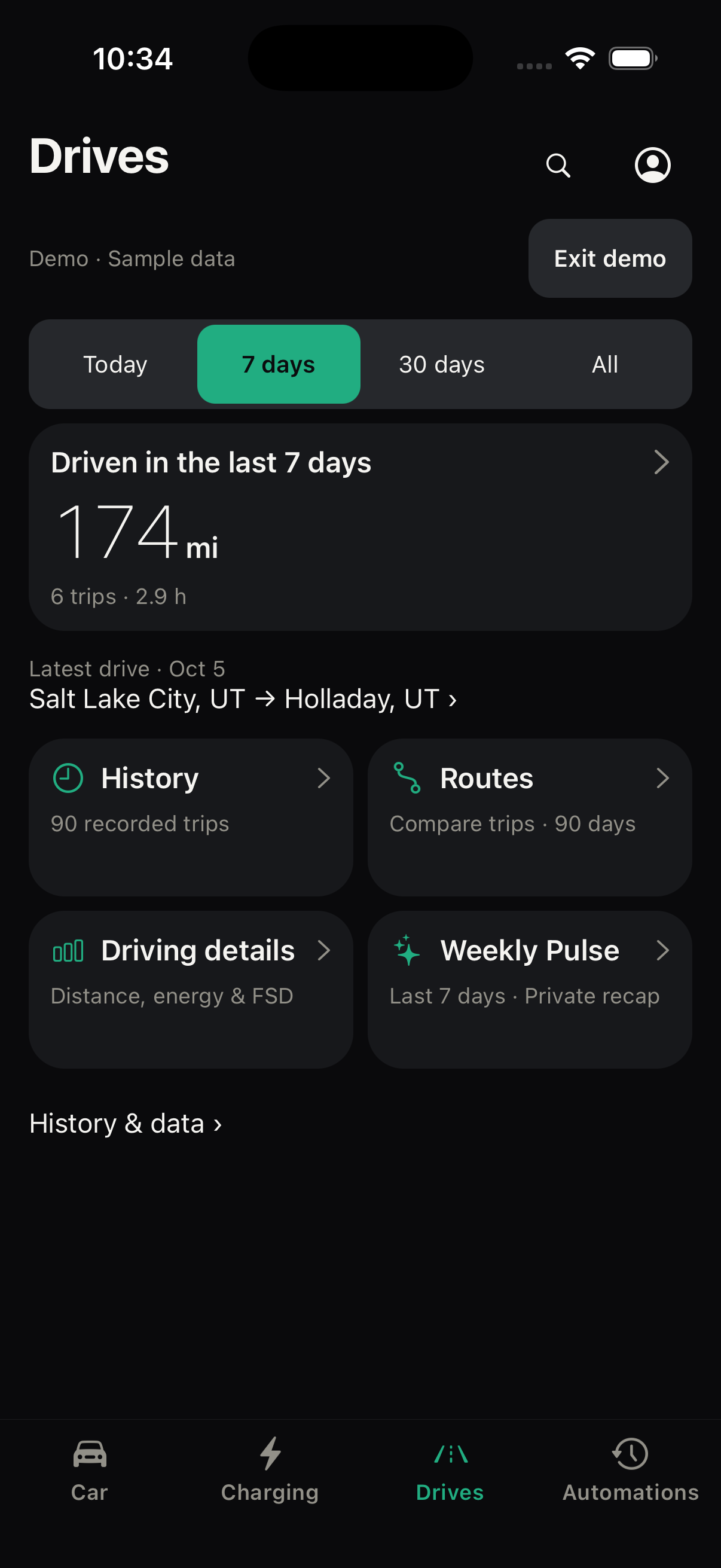
Find a trip, compare familiar routes and explore your recorded driving patterns. Keep the supporting history close to every answer.
- Find the details
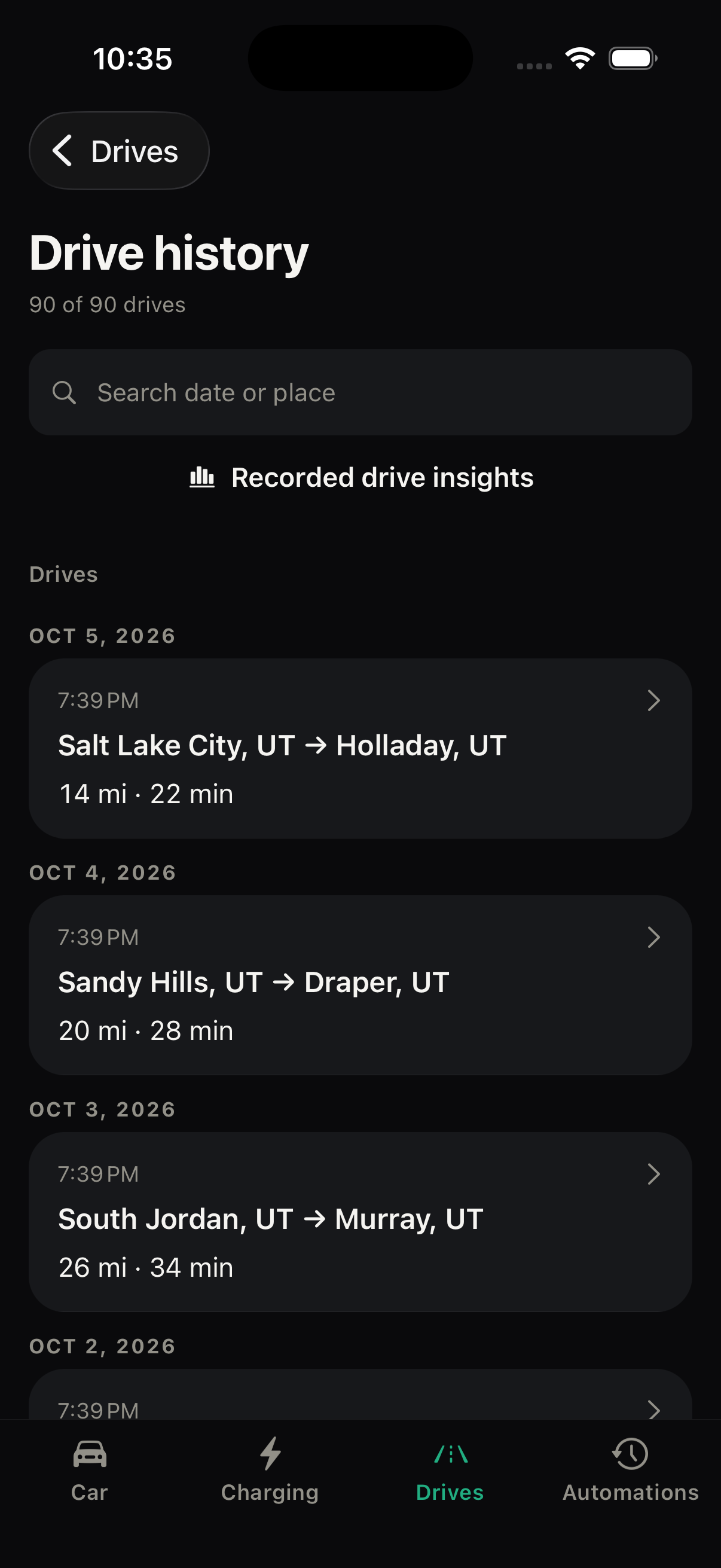
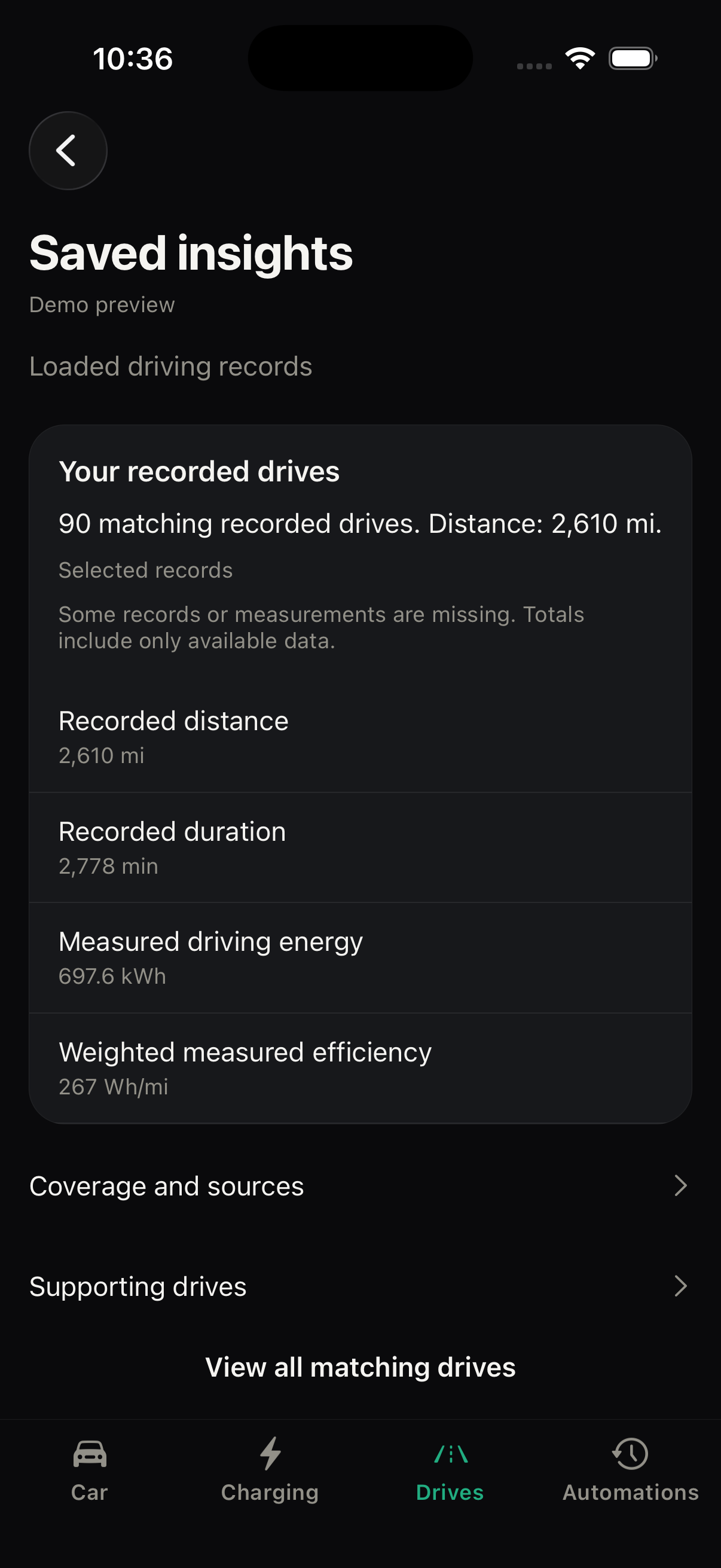
- Search saved drives and review distance, time and recorded energy efficiency. Period totals and chart windows show what history they cover.
- Compare familiar trips
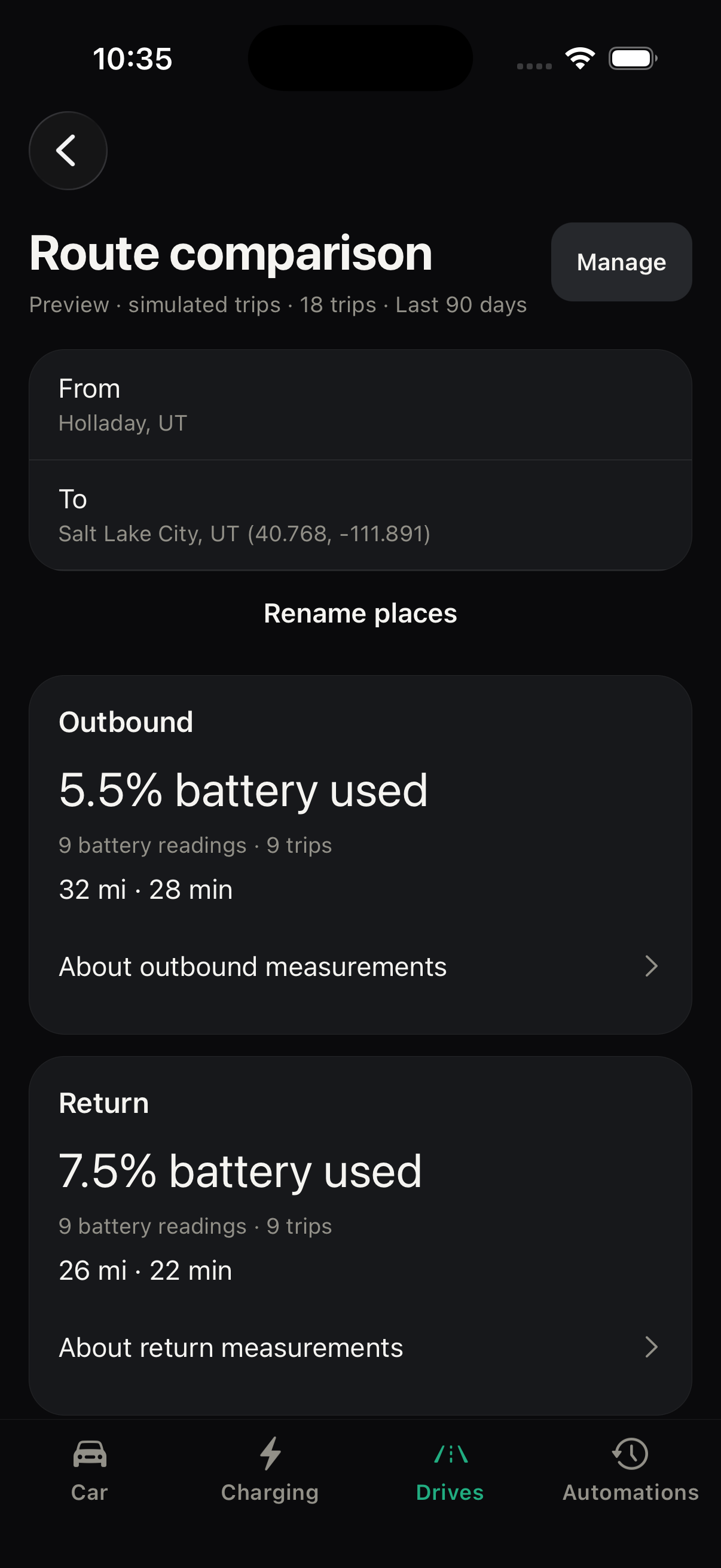
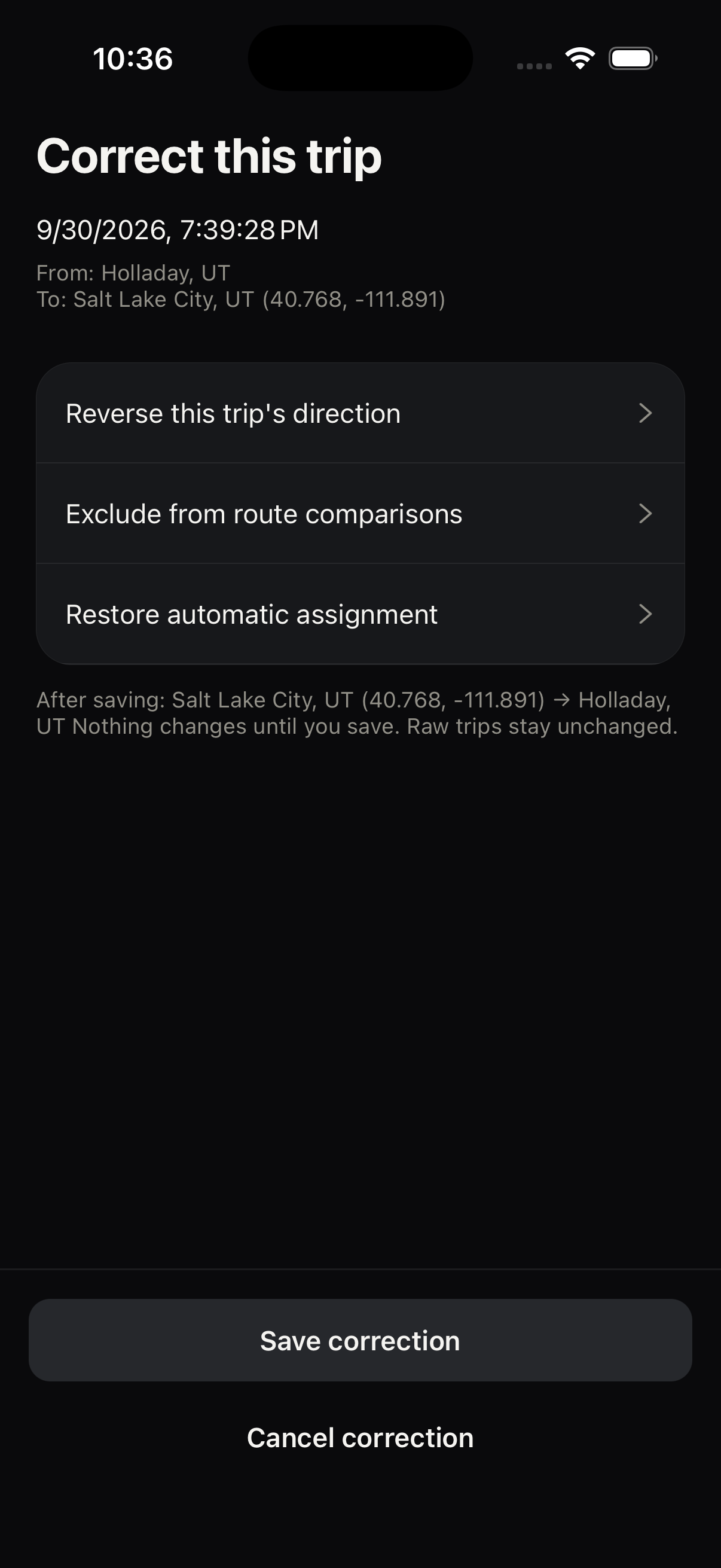
- Repeated trips form routes. Name places, review a trip’s date and endpoints, then explicitly save corrections. Searchable place selection keeps Save and Cancel within reach.
- Explore your history
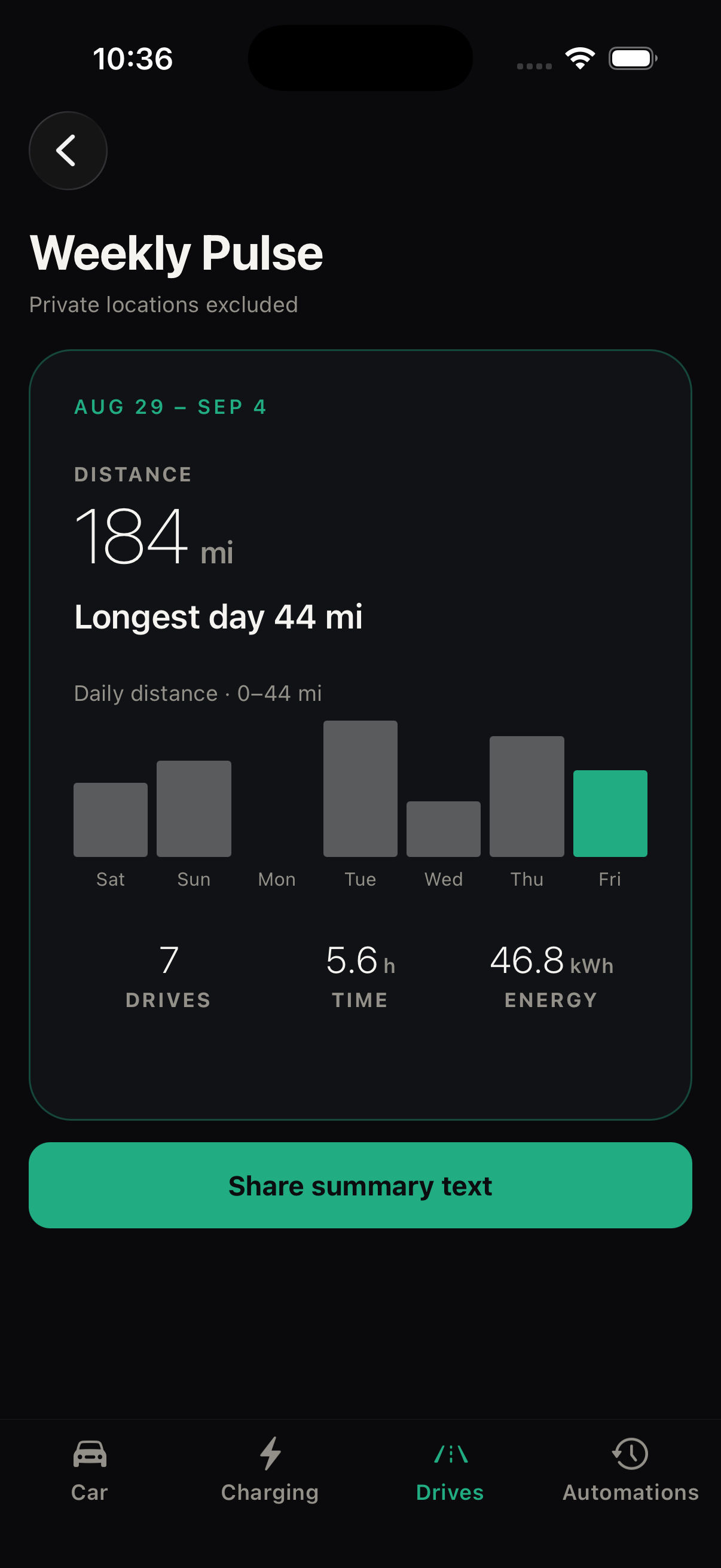
- Weekly Pulse offers a private recap you can share without routes or exact locations. Saved insights calculate answers from your recorded drives and charging sessions.
Clear controls. Deliberate privacy.
Pulse uses Tesla’s authorization flow, not your Tesla password. Exact route history stays off until you enable it. Data is stored on your phone and in cloud services where needed for connected features. Read how your data is handled.